
Tesseract Rectangle2022.8.7804 - Download
You'll be able to download in few seconds.
Publisher Description
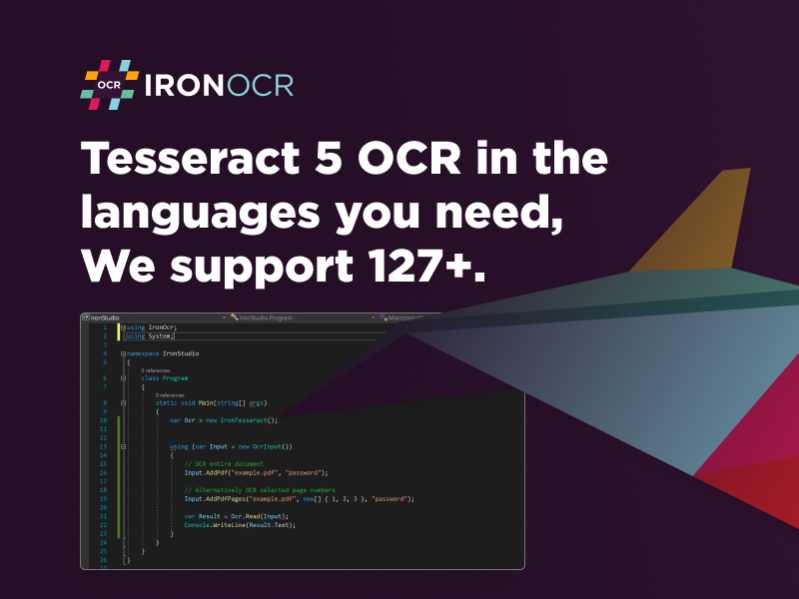
Tesseract Rectangle adds OCR to projects within the VB and .NET C# environment that fully supports .NET 5, Core, Standard, Framework, and Azure. This enables your next project build to integrate image and text reading using QR and barcode technology. This is a popular trend across many industries, from digital menus at bistros to archiving entire libraries in educational institutions. This is an excellent way to add versatility to your next mobile application or web-based browser.
The new addition from IronSoftware outputs data in searchable content. This could be plain text, structured data, or into PDFs and XHTML systems. That means someone working in a law firm could digitize all the previous cases from the last fifty years to create new resources for paralegals and researchers to rely upon. The same is true for inventory management. This simplified project works perfectly for adding context to different items on shelves for customer interaction or tracking information for stakeholders who want to identify the supply chain's strengths and weaknesses.
The Tesseract Rectangle OCR uses advanced imaging systems to remove distortion, noise, and generally clean up what is being scanned from images, text, barcodes, and QR codes. This saves your end-users valuable time and requires little effort on your part to integrate. You can view some of the documentation about adding the Tesseract Rectangle to your VB project at https://ironsoftware.com/csharp/ocr/examples/net-tesseract-content-area-rectangle-crop/.
The best part is Tesseract Rectangle is not like unlicensed open-sourced software that is often packed full of bugs or off-the-shelf products that are often overpriced and full of add-ons you do not need. You do not have to sign up for a subscription plan like Microsoft OCR Azure. One payment to IronSoftware, and you are good to go for deployment. You can download a trial version of Tesseract Rectangle at https://ironsoftware.com/csharp/ocr/.
About Tesseract Rectangle
This Components & Libraries program is available in English, Afrikaans, Albanian, Amharic, Arabic, Armenian, Assamese, Azerbaijani, Basque, Bengali, Breton, Bulgarian, Burmese, Byelorussian, Cambodian, Catalan, Chinese, ChineseSimplified, ChineseTraditional, Corsican, Croatian, Czech, Danish, Dutch, Esperanto, Estonian, Faeroese, Finnish, French, Frisian, Gaelic, Galician, Georgian, German, Greek, Gujarati, Hebrew, Hindi, Hungarian, Icelandic, Indonesian, Irish, Italian, Japanese, Javanese, Kannada, Kazakh, Kirghiz, Korean, Kurdish, Laothian, Latin, Latvian, Lithuanian, Macedonian, Malay, Malayalam, Maltese, Maori, Marathi, Mongolian, Nepali, Norwegian, Occitan, Oriya, Other, Pashto, Persian, Polish, Portuguese, Punjabi, Quechua, Romanian, Russian, Sanskrit, Serbian, Sindhi, Singhalese, Slovak, Slovenian, Spanish, Sudanese, Swahili, Swedish, Tagalog, Tajik, Tamil, Tatar, Telugu, Thai, Tibetan, Tigrinya, Tonga, Turkish, Ukrainian, Urdu, Uzbek, Vietnamese, Welsh, Yiddish, Yoruba. It was last updated on 29 September, 2026. Tesseract Rectangle is compatible with the following operating systems: Windows, Windows-mobile.
The company that develops Tesseract Rectangle is Tesseract Rectangle Tech Team. The latest version released by its developer is 2022.8.7804.
The download we have available for Tesseract Rectangle has a file size of 200.3 MB. Just click the green Download button above to start the downloading process. The program is listed on our website since 2022-07-26 and was downloaded 0 times. We have already checked if the download link is safe, however for your own protection we recommend that you scan the downloaded software with your antivirus. Your antivirus may detect the Tesseract Rectangle as malware if the download link is broken.
How to install Tesseract Rectangle on your Windows device:
- Click on the Download button on our website. This will start the download from the website of the developer.
- Once the Tesseract Rectangle is downloaded click on it to start the setup process (assuming you are on a desktop computer).
- When the installation is finished you should be able to see and run the program.
Program Details
General
System requirements
Download information
Pricing
Version History
version 2022.8.7804
posted on 2022-07-26
Updates Tesseract to v5.1
Adds support for Apple Silicon devices
Adds OcrInput.SaveAsImages() to save input items as an image
Adds CropRectangle class to crop using millimeter or pixel values
Removes MinimumDpi. Please use TargetDpi to upscale your OCR input
Bug fixes and other improvements
Disclaimer
External Download
We do not host Tesseract Rectangle on our servers. We did not scan it for viruses, adware, spyware or other type of malware. This app is hosted by the software publisher and passed their terms and conditions to be listed there. We recommend caution when installing it.
The external download link for Tesseract Rectangle is provided to you by apps112.com without any warranties, representations or guarantees of any kind, so access it at your own risk.
If you have questions regarding this particular app contact the publisher directly. For questions about the functionalities of apps112.com contact us.
